
|
|
|


Apple Records • Stereo • West Coast Pressing
Yesterday and Today | $30 |
STEREO • WEST COAST PRESSING
| ★ COLLECTOR HIGHLIGHTS • Disc has a plain apple label • Disc is in near mint (NM) condition • Vinyl graded NM • Disc labels graded NM unless otherwise noted ✓ CONDITION SUMMARY
|
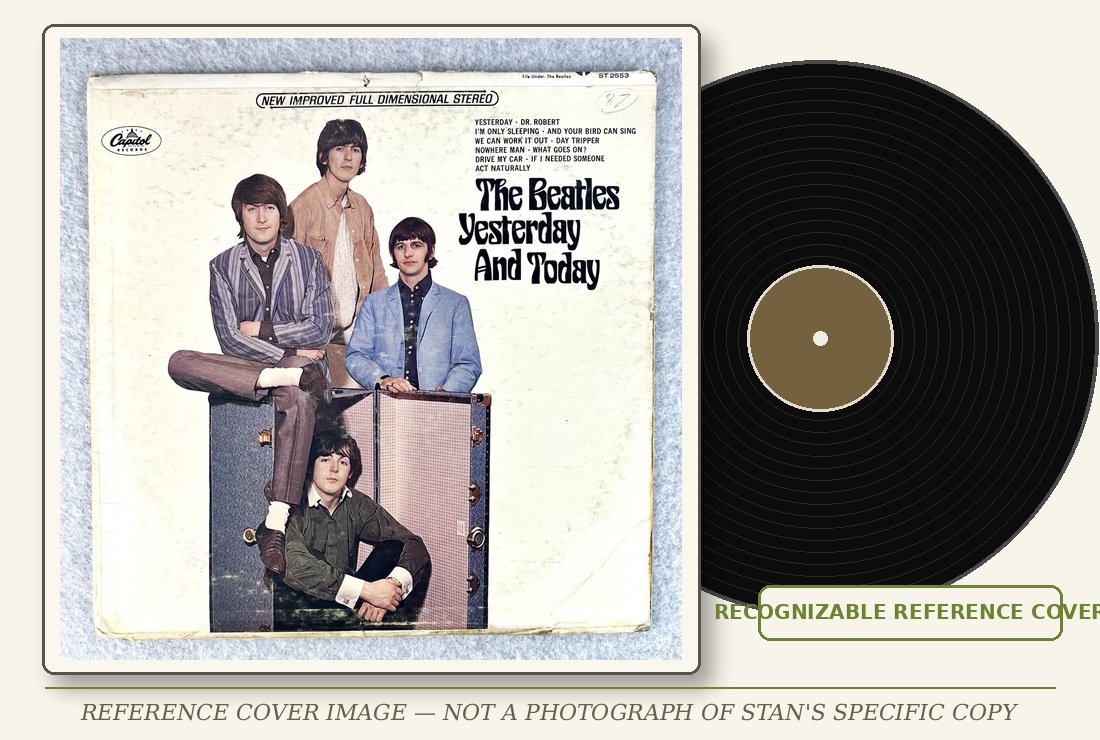
ABOUT THIS PRESSING This copy of Yesterday and Today is identified by Stan as a West Coast pressing, an important distinction within the collection. Disc has a plain apple label. Disc is in near mint (NM) condition. The cover is graded VG++; the vinyl is graded NM. |
The Fab Four — collection reference image |
ADDITIONAL NOTES • No additional defect beyond the condition summary is emphasized in Stan’s notes | WHY COLLECTORS MAY WANT THIS COPY Collector interest centers on the West Coast pressing identity. Stan’s notes separate identifying features, included pieces, and visible defects so a buyer can evaluate the copy before requesting actual photographs. |
Visually graded under light; not play graded. Disc labels are Near Mint unless otherwise specified. Actual photographs are available on request.
HAPPY TO DISCUSS DETAILS OR SEND PHOTOGRAPHS OF THE ACTUAL COPY ON REQUEST. |